Phone Screen Mockup
/phonemockupPresent a supplied app, website or interface naturally on a modern smartphone screen.
Reference Image RequiredAuthoritative Source
Attach: Mobile app screenshot, mobile responsive webpage, or mobile UI flow. to your AI generator (ChatGPT, Midjourney, Flux). The prompt instructs the model to preserve exact logos, colors, typography, and layout from your uploaded design.
Full Production Prompt
/phonemockup. Use the supplied reference image as the authoritative design source.
Role: Mobile Product Designer & Tech Lifestyle Photographer.
Device: Modern flagship smartphone with ultra-thin symmetrical bezels, curved corners, and dynamic screen cutout (e.g. titanium / matte aluminum frame).
Screen Content: Attached mobile UI screenshot / app interface.

Display Mapping & Screen Realism:
Map the uploaded mobile screenshot precisely into the smartphone's active OLED display area with exact aspect ratio scaling. The display glows with authentic screen illumination, vibrant color reproduction, and subtle real-world glass reflections across the edge without obstructing UI text or icons.

Environment & Scene Staging:
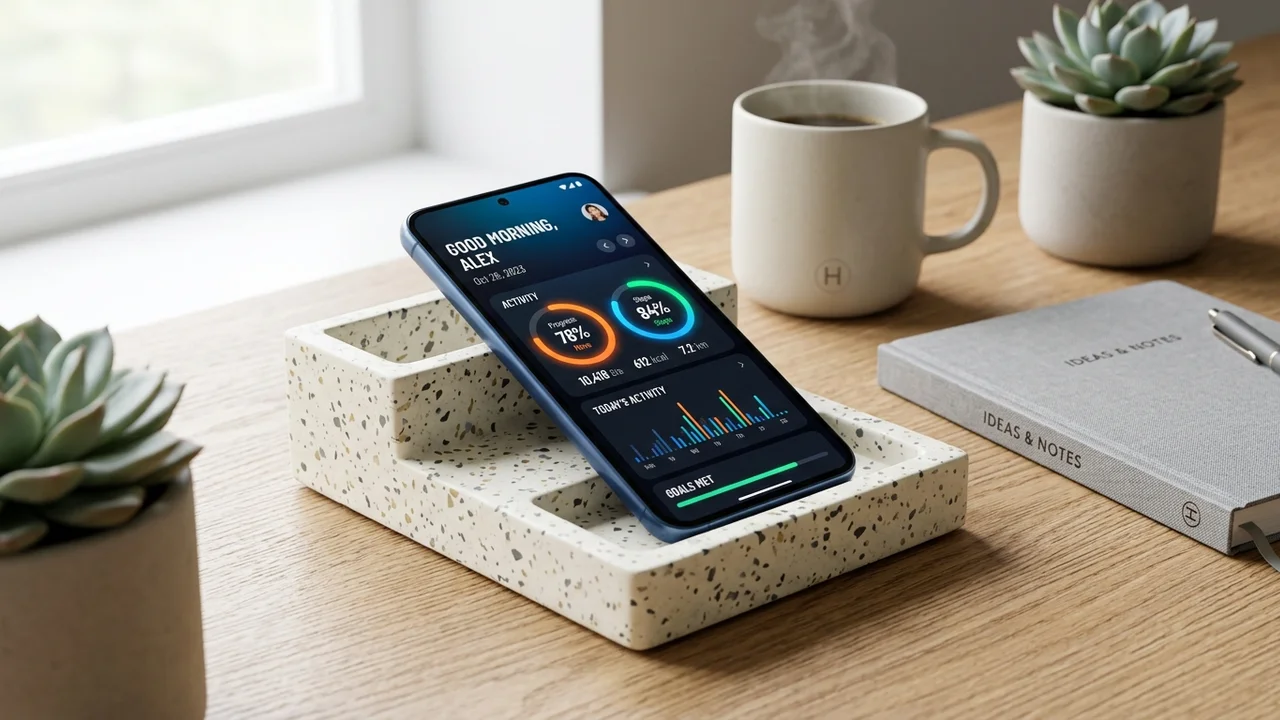
[STAGING OPTION - e.g. Smartphone resting on a designer terrazzo desk tray beside a ceramic coffee cup and minimal notebook, or held naturally in hand by a creative professional in a sunlit café]. Soft daylight filtering from a nearby window creates delicate drop shadows and subtle metallic edge specular highlights.

Preservation & Integrity:
- Preserve all mobile interface components: status bar, navigation bar, buttons, cards, typography, and charts from the reference screenshot.
- Keep all UI text, numbers, and iconography razor-sharp and perfectly legible.
- Preserve exact color tones, dark/light theme properties, and branding accents.
- Do NOT distort the UI aspect ratio, warp buttons, or hallucinate foreign icons.

Camera & Composition:
Shot on 50mm f/2.8 lens at a modern 45-degree angle, sharp focus on the mobile screen content, smooth organic background bokeh, premium tech commercial editorial quality, 8k resolution.
💡 Tip: You can customize the variables below to tailor the product type, finish, or studio setting before copying.
Interactive Variables Customizer
Negative Constraints & Preservation Directives
distorted screen ratio, curved warped interface, illegible tiny text, cracked glass, harsh screen glare washing out UI, anatomical hand glitches
Parameters & Specs
Compatible AI Engines
Pro Tips
- Crop your mobile screenshot cleanly to standard 9:19.5 or 9:20 aspect ratio before attaching.
- The OLED screen luminescence makes apps look vivid and high-contrast in natural daylight scenes.
- Great for Dribbble, Behance, and client pitch deck presentation decks.
Search Tags
Related Mockups & Packaging Prompts
Browse all 14 mockups →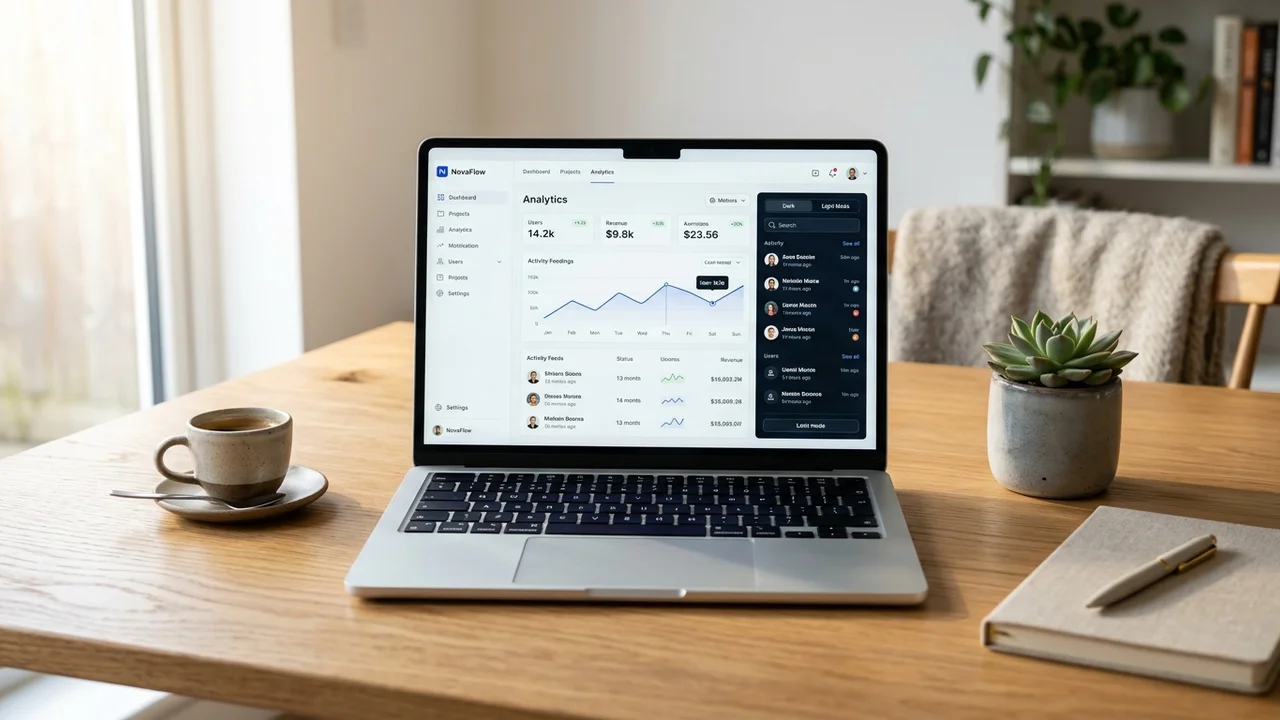 /laptopmockup
Laptop Website Mockup
Present a website or UI design realistically on a laptop placed in a professional desk environment.
 /packagingdesign
Packaging Design Mockup
Turn your product concept or flat artwork into a complete premium packaging design presentation.
 /boxmockup
Shipping Box Mockup
Apply your branding or artwork to a realistic product or shipping box.