
Packaging Design Mockup
/packagingdesignTurn your product concept or flat artwork into a complete premium packaging design presentation.
Reference Image RequiredAuthoritative Source
Attach: Product logo, dieline, label graphics, or flat packaging artwork. to your AI generator (ChatGPT, Midjourney, Flux). The prompt instructs the model to preserve exact logos, colors, typography, and layout from your uploaded design.
Full Production Prompt
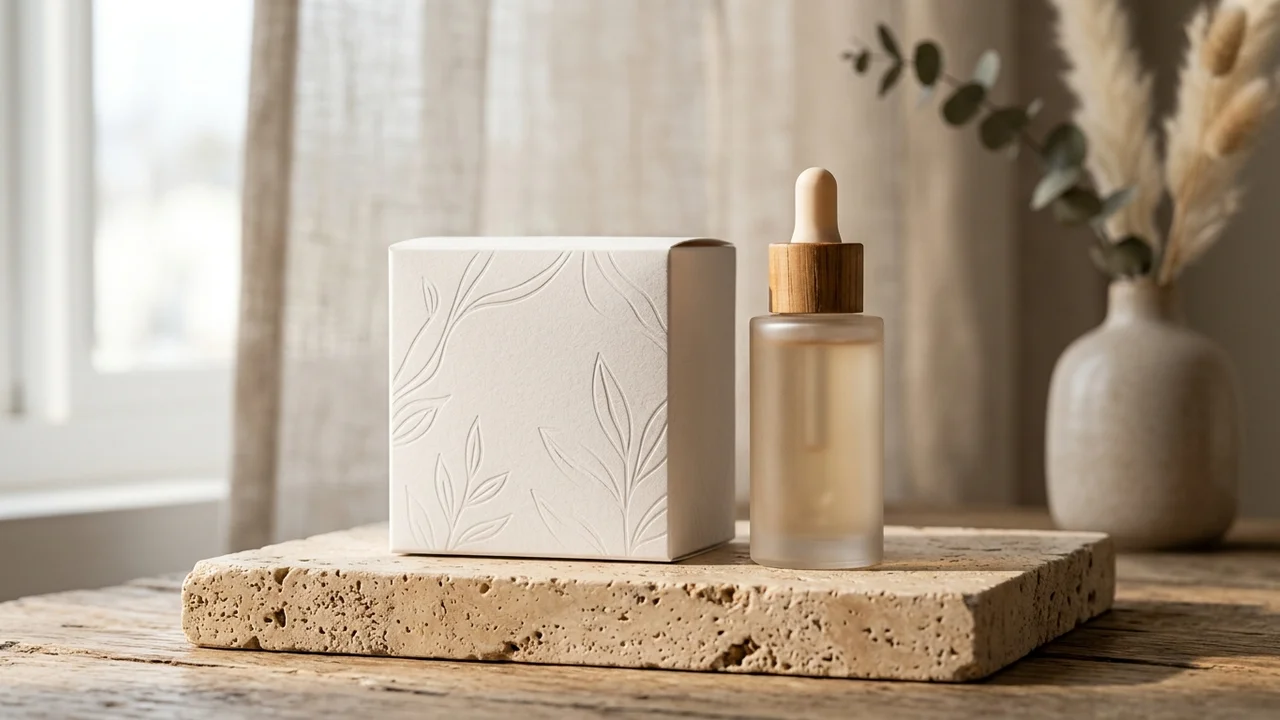
/packagingdesign. Use the supplied reference image as the authoritative design source.
Role: Commercial Product & Packaging Mockup Specialist.
Product: Luxury Skincare Serum Box & Dropper Bottle (e.g. Luxury Skincare Serum Box & Dropper Bottle, Gourmet Coffee Bag, Artisanal Tea Tin).
Brand / Artwork Reference: Attached reference design / logo / flat packaging artwork.

Placement & Geometry:
Map the supplied flat artwork, branding, and typography directly onto the 3D surfaces of Luxury Skincare Serum Box & Dropper Bottle. Preserve exact proportions, corner bevels, seam folds, dieline margins, and realistic closure tabs. If both primary container (bottle/jar/tube) and secondary outer box are shown, align the brand visual hierarchy consistently across both pieces.

Material & Finish:
Render realistic surface materials: [MATERIAL FINISH - e.g. soft-touch matte paperboard with debossed foil logo, frosted glass with semi-translucent liquid refraction, brushed aluminum lid]. Surface must exhibit physical microscopic tactile texture, subtle paper grain, and authentic ink absorption without pixelation or stretching.

Lighting & Environment:
Set in a high-end commercial advertising photography studio. Professional three-point studio lighting with soft diffused key light from a large softbox, subtle warm ambient fill, and gentle rim lighting on edges. Crisp, natural contact drop shadows resting on a [SURFACE - e.g. warm neutral travertine stone plinth, polished light oak surface].

Preservation & Integrity:
- Preserve exact logo geometry, emblem icon, and brand typography appearance from the reference image.
- Preserve brand color palette, hex tones, and tonal balance.
- Keep text spelling, punctuation, and typography weights sharp and perfectly legible.
- Do NOT distort, tilt illegibly, or hallucinate random filler text or foreign logos.

Camera & Composition:
Shot on 85mm prime lens, f/5.6 aperture, eye-level three-quarter hero angle, tack-sharp focus across the main brand branding area with creamy, natural depth of field falloff in the distant background. Ultra-detailed 8k commercial output.
💡 Tip: You can customize the variables below to tailor the product type, finish, or studio setting before copying.
Interactive Variables Customizer
Negative Constraints & Preservation Directives
blur, distortion, unreadable typography, misspelled text, warped logo, crooked seams, pixelation, harsh artificial glare, fake watermarks, duplicate logos
Parameters & Specs
Compatible AI Engines
Pro Tips
- Attach your flat dieline or clean transparent PNG logo as Image 1.
- In Midjourney, use --iw 2.0 to ensure strict adherence to your reference artwork.
- Specify the exact finish (e.g. spot UV, matte lamination, hot foil stamping) in the material variable.
Search Tags
Related Mockups & Packaging Prompts
Browse all 14 mockups →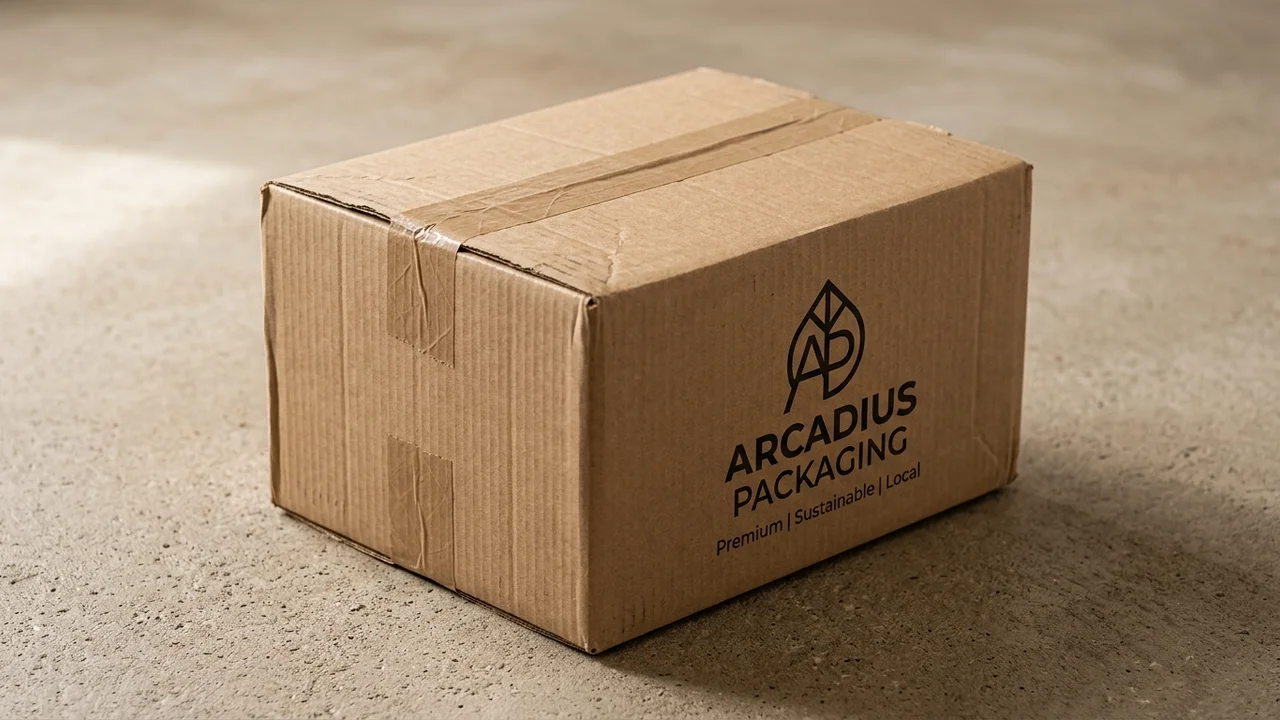 /boxmockup
Shipping Box Mockup
Apply your branding or artwork to a realistic product or shipping box.
 /bagmockup
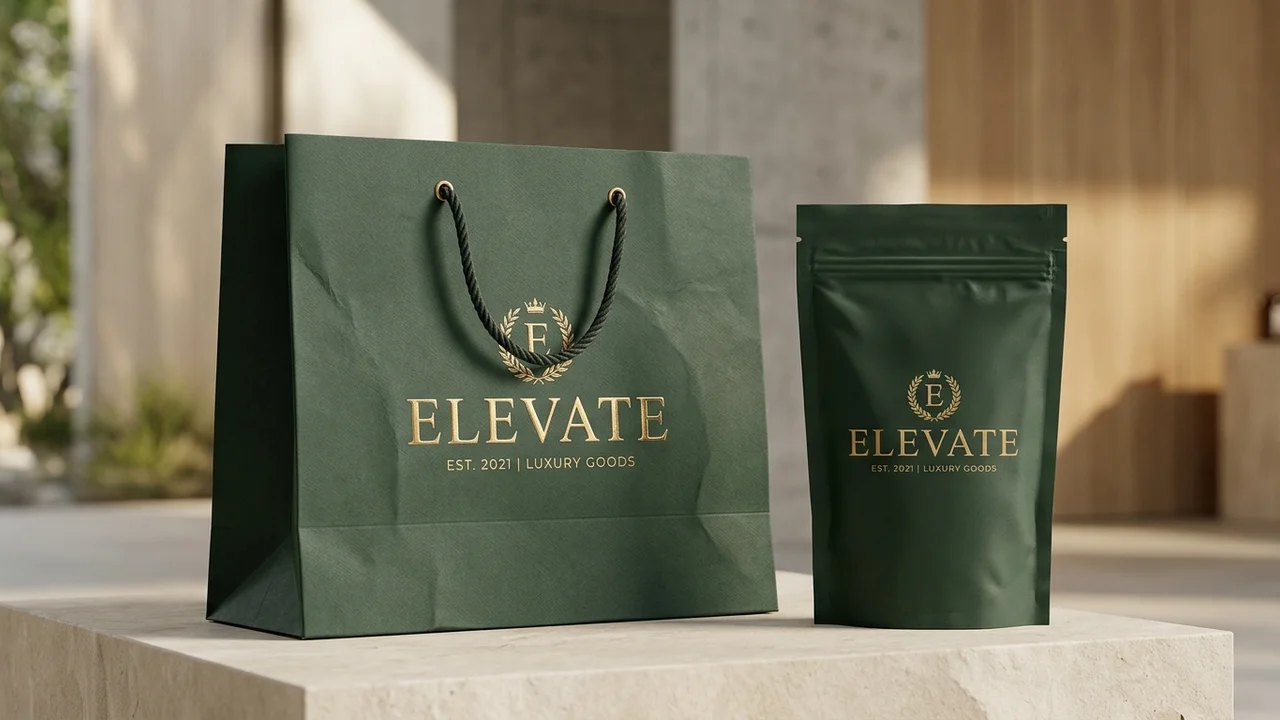
Branded Bag Mockup
Transform supplied branding into a realistic pouch, shopping bag or product bag presentation.
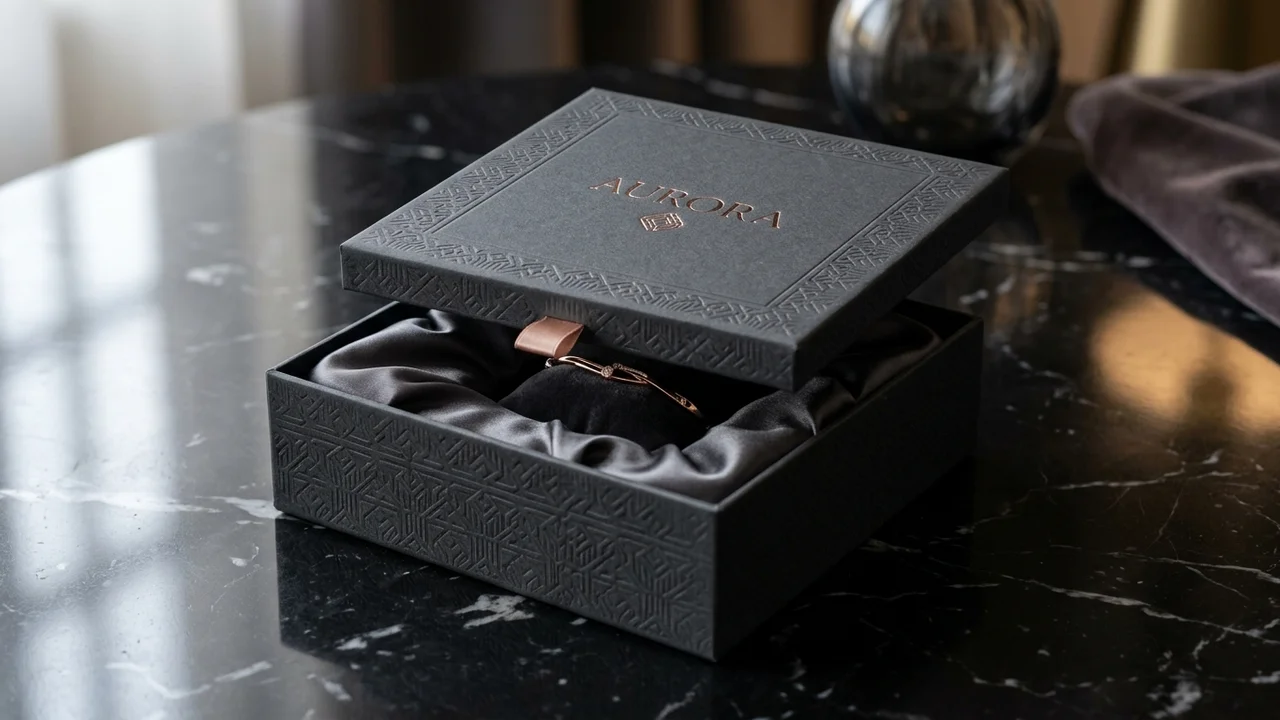 /giftbox
Premium Gift Box Mockup
Present branding or artwork on a premium gift box with high-end commercial product photography.