

Google Flow Video Prompt Library
Master camera movements, directional filmmaking, motion speeds, commercial reveals, and cinematic effects with 159 tested prompt codes designed for Google Flow Image-to-Video models.
Business & Storefront Video Prompts (50 Codes)
Commercial reveals, FPV flights, outside-to-inside door transitions, and luxury retail shots organized into 5 production tiers.
The Google Flow Workflow & Formula
How to turn any uploaded still into cinematic video in seconds
Upload a clean starting image with one clear subject and visible breathing room around it.
Choose 9:16 or 16:9 aspect ratio, 8 seconds test duration, and 720p while testing.
Place one slash code at the start, state what moves, and what stays unchanged.
Enforce realistic motion, stable proportions, cinematic light, no warping, no text.
/orbit360. Keep the uploaded person centered and preserve the face, clothing, colors and location. The camera completes one smooth 360-degree orbit while the person remains still. Natural depth, realistic motion, stable body proportions, cinematic lighting, no warping, no extra people, no text.
Changes lens magnification to reframe the subject without moving the camera.
/zoom. Keep the uploaded subject centered and preserve the facial features, clothing, colors and environment. The camera changes lens magnification to reframe the subject without moving the camera. Natural depth, realistic motion, stable body proportions, cinematic lighting, no warping, no extra people, no text.
Pulls the view wider so more of the setting becomes visible.
/zoomout. Keep the uploaded subject centered and preserve the facial features, clothing, colors and environment. The camera pulls the view wider so more of the setting becomes visible. Natural depth, realistic motion, stable body proportions, cinematic lighting, no warping, no extra people, no text.
Pushes the view tighter so the subject fills more of the frame.
/zoomin. Keep the uploaded subject centered and preserve the facial features, clothing, colors and environment. The camera pushes the view tighter so the subject fills more of the frame. Natural depth, realistic motion, stable body proportions, cinematic lighting, no warping, no extra people, no text.
Physically moves the camera through the scene for natural depth and parallax.
/dolly. Keep the uploaded subject centered and preserve the facial features, clothing, colors and environment. The camera physically moves through the scene for natural depth and parallax. Natural depth, realistic motion, stable body proportions, cinematic lighting, no warping, no extra people, no text.
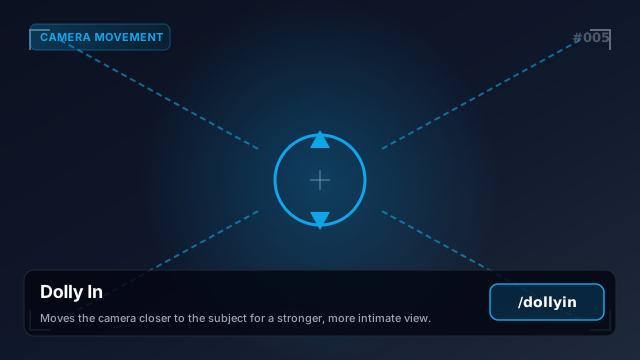
Moves the camera closer to the subject for a stronger, more intimate view.
/dollyin. Keep the uploaded subject centered and preserve the facial features, clothing, colors and environment. The camera moves closer to the subject for a stronger, more intimate view. Natural depth, realistic motion, stable body proportions, cinematic lighting, no warping, no extra people, no text.
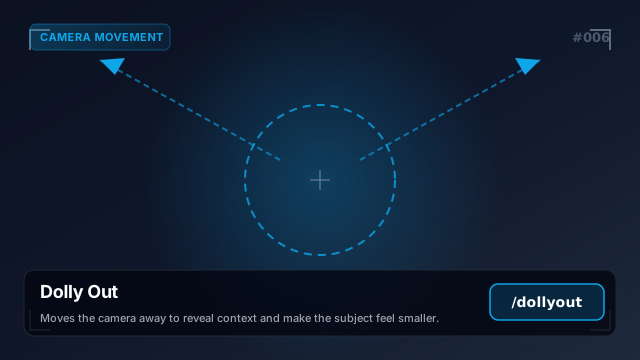
Moves the camera away to reveal context and make the subject feel smaller.
/dollyout. Keep the uploaded subject centered and preserve the facial features, clothing, colors and environment. The camera moves away to reveal context and make the subject feel smaller. Natural depth, realistic motion, stable body proportions, cinematic lighting, no warping, no extra people, no text.
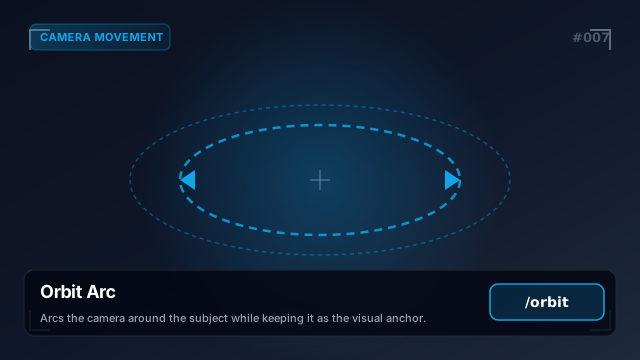
Arcs the camera around the subject while keeping it as the visual anchor.
/orbit. Keep the uploaded subject centered and preserve the facial features, clothing, colors and environment. The camera arcs around the subject while keeping it as the visual anchor. Natural depth, realistic motion, stable body proportions, cinematic lighting, no warping, no extra people, no text.
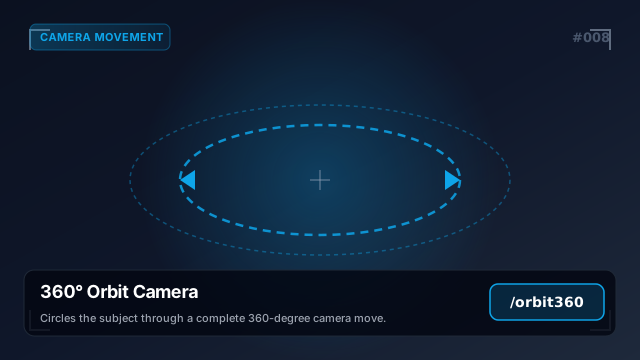
Circles the subject through a complete 360-degree camera move.
/orbit360. Keep the uploaded subject centered and preserve the facial features, clothing, colors and environment. The camera circles the subject through a complete 360-degree camera move. Natural depth, realistic motion, stable body proportions, cinematic lighting, no warping, no extra people, no text.
Rotates the camera horizontally to scan left or right across the scene.
/pan. Keep the uploaded subject centered and preserve the facial features, clothing, colors and environment. The camera rotates horizontally to scan left or right across the scene. Natural depth, realistic motion, stable body proportions, cinematic lighting, no warping, no extra people, no text.
Rotates the camera vertically to look upward or downward.
/tilt. Keep the uploaded subject centered and preserve the facial features, clothing, colors and environment. The camera rotates vertically to look upward or downward. Natural depth, realistic motion, stable body proportions, cinematic lighting, no warping, no extra people, no text.
Slides the camera sideways while keeping its viewing direction consistent.
/truck. Keep the uploaded subject centered and preserve the facial features, clothing, colors and environment. The camera slides sideways while keeping its viewing direction consistent. Natural depth, realistic motion, stable body proportions, cinematic lighting, no warping, no extra people, no text.
Raises or lowers the whole camera without tilting the lens.
/pedestal. Keep the uploaded subject centered and preserve the facial features, clothing, colors and environment. The camera raises or lowers without tilting the lens. Natural depth, realistic motion, stable body proportions, cinematic lighting, no warping, no extra people, no text.
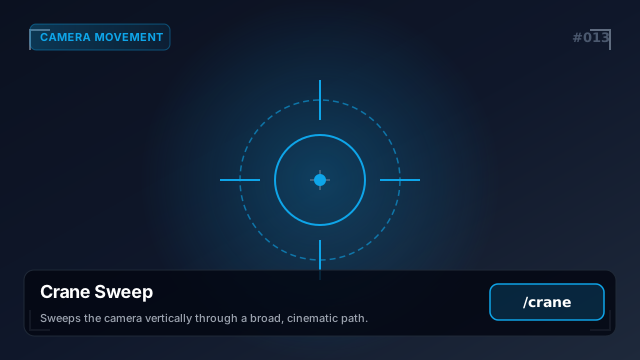
Sweeps the camera vertically through a broad, cinematic path.
/crane. Keep the uploaded subject centered and preserve the facial features, clothing, colors and environment. The camera sweeps vertically through a broad, cinematic path. Natural depth, realistic motion, stable body proportions, cinematic lighting, no warping, no extra people, no text.
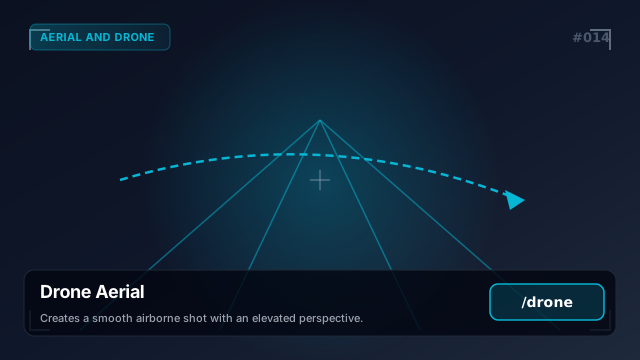
Creates a smooth airborne shot with an elevated perspective.
/drone. Keep the uploaded subject centered and preserve the facial features, clothing, colors and environment. The camera creates a smooth airborne shot with an elevated perspective. Natural depth, realistic motion, stable body proportions, cinematic lighting, no warping, no extra people, no text.
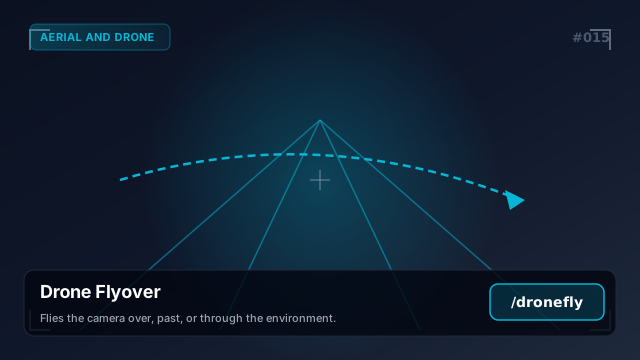
Flies the camera over, past, or through the environment.
/dronefly. Keep the uploaded subject centered and preserve the facial features, clothing, colors and environment. The camera flies over, past, or through the environment. Natural depth, realistic motion, stable body proportions, cinematic lighting, no warping, no extra people, no text.
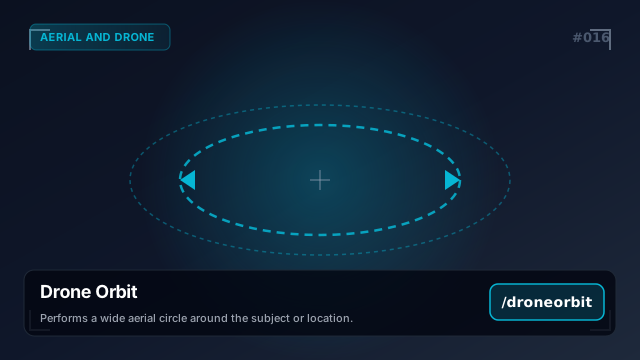
Performs a wide aerial circle around the subject or location.
/droneorbit. Keep the uploaded subject centered and preserve the facial features, clothing, colors and environment. The camera performs a wide aerial circle around the subject or location. Natural depth, realistic motion, stable body proportions, cinematic lighting, no warping, no extra people, no text.
Shows the scene from high above as a large-scale establishing view.
/aerial. Keep the uploaded subject centered and preserve the facial features, clothing, colors and environment. The camera shows the scene from high above as a large-scale establishing view. Natural depth, realistic motion, stable body proportions, cinematic lighting, no warping, no extra people, no text.
Moves through the scene as an immersive, fast first-person flight.
/fpv. Keep the uploaded subject centered and preserve the facial features, clothing, colors and environment. The camera moves through the scene as an immersive, fast first-person flight. Natural depth, realistic motion, stable body proportions, cinematic lighting, no warping, no extra people, no text.
Uses agile first-person drone motion through tight spaces and turns.
/fpvdrone. Keep the uploaded subject centered and preserve the facial features, clothing, colors and environment. The camera uses agile first-person drone motion through tight spaces and turns. Natural depth, realistic motion, stable body proportions, cinematic lighting, no warping, no extra people, no text.
Matches the subject's movement so it stays framed while traveling.
/tracking. Keep the uploaded subject centered and preserve the facial features, clothing, colors and environment. The camera matches the subject's movement so it stays framed while traveling. Natural depth, realistic motion, stable body proportions, cinematic lighting, no warping, no extra people, no text.
Trails behind or beside the moving subject as it advances.
/follow. Keep the uploaded subject centered and preserve the facial features, clothing, colors and environment. The camera trails behind or beside the moving subject as it advances. Natural depth, realistic motion, stable body proportions, cinematic lighting, no warping, no extra people, no text.
Adds small organic camera movements for a human, documentary feel.
/handheld. Keep the uploaded subject centered and preserve the facial features, clothing, colors and environment. The camera adds small organic camera movements for a human, documentary feel. Natural depth, realistic motion, stable body proportions, cinematic lighting, no warping, no extra people, no text.
Glides smoothly with the subject while keeping walking motion controlled.
/steadicam. Keep the uploaded subject centered and preserve the facial features, clothing, colors and environment. The camera glides smoothly with the subject while keeping walking motion controlled. Natural depth, realistic motion, stable body proportions, cinematic lighting, no warping, no extra people, no text.
Slows the action to emphasize detail, impact, or emotion.
/slowmo. Keep the uploaded subject centered and preserve the facial features, clothing, colors and environment. The camera slows the action to emphasize detail, impact, or emotion. Natural depth, realistic motion, stable body proportions, cinematic lighting, no warping, no extra people, no text.
Showing 24 of 159 video codes